Satellite imagery is the basis for a lot of Earth science research, but did you know that not all satellite imagery is created equal?
In this lesson, we’ll be looking at a few different points and their corresponding satellite imagery.
Our first point of interest is in Bartow, FL (81°50’26.5″S 27°52’27.1″E)
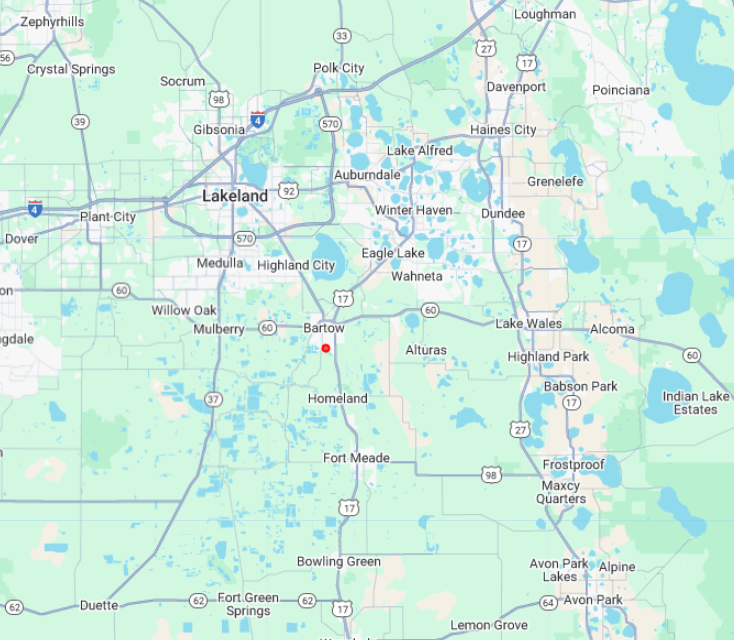
We’ll be looking at an image submitted by a GLOBE user for land coverage data.
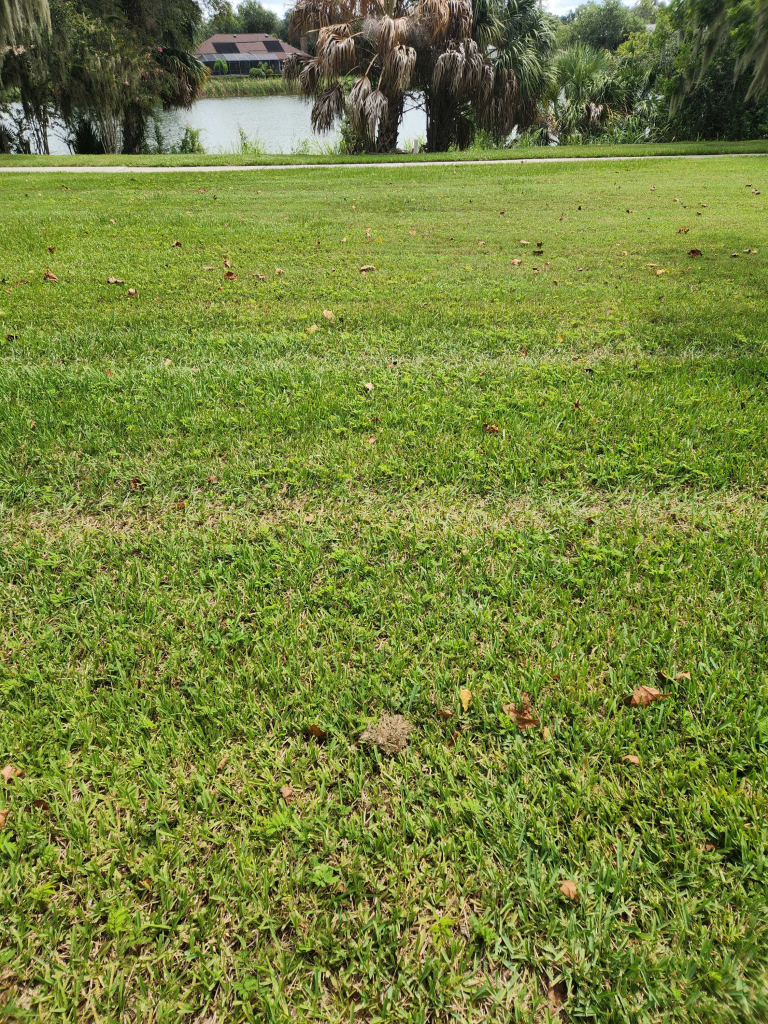
Without satellite imagery, there isn’t much we can do with this data. By inputting the point into our GEE Python environment we’ll be able to dig much deeper.
We’ll be using Sentinel 2 since it’s some of the highest resolution optical imagery publicly available.
Below is a snapshot of the code we’ll be using to look at our Point of Interest:
collection = (
    ee.ImageCollection("COPERNICUS/S2_SR_HARMONIZED")
    .filterBounds(point)
    .filterDate(start_date, end_date)
    .sort('CLOUDY_PIXEL_PERCENTAGE')
)

image = collection.first()
The output of the code is this image.

While it may not look super high resolution, keep in mind that it’s taken approximately 786 km from Earth’s surface! This image is also contains a lot of data, reading for a user to extract all of its information.
If we compare it to something that looks clearer, like these images from Google Earth. These are good reference images, but not much else.
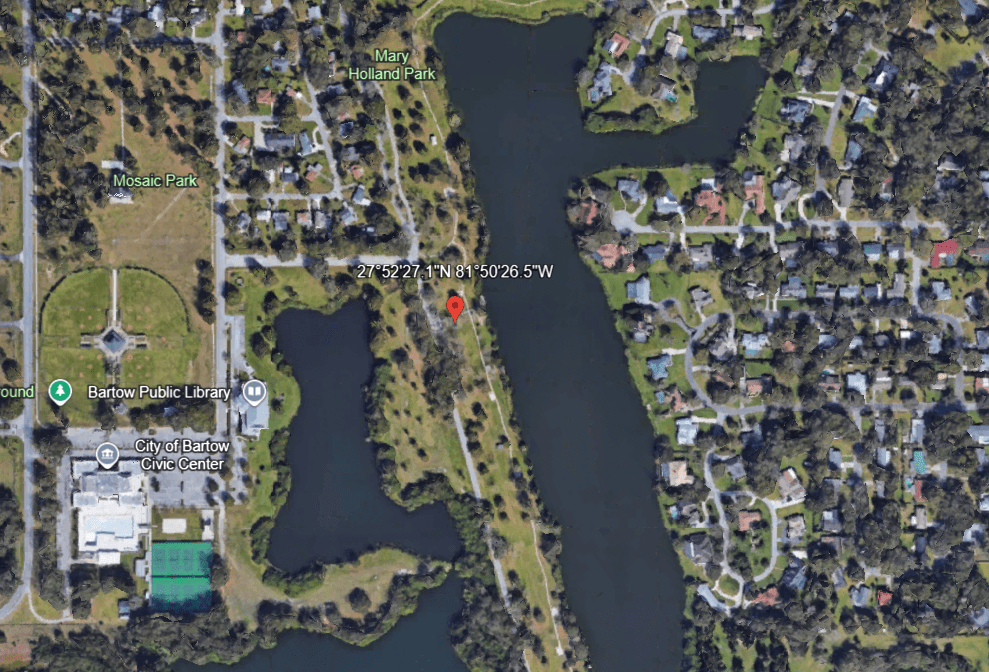
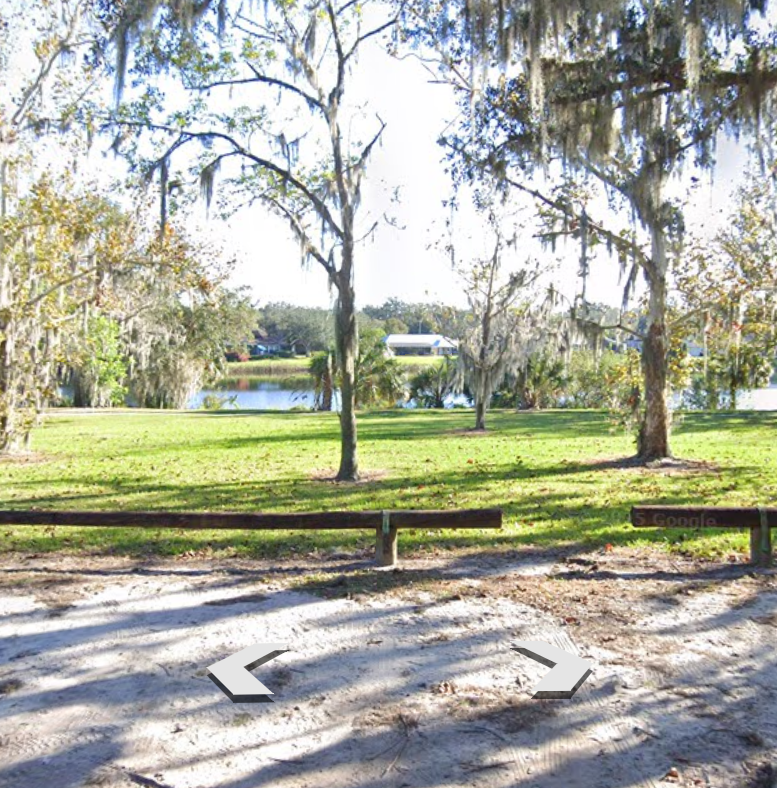
We can see these images much clearer, but they’re not prepared for data analysis and therefore not available to use.
